
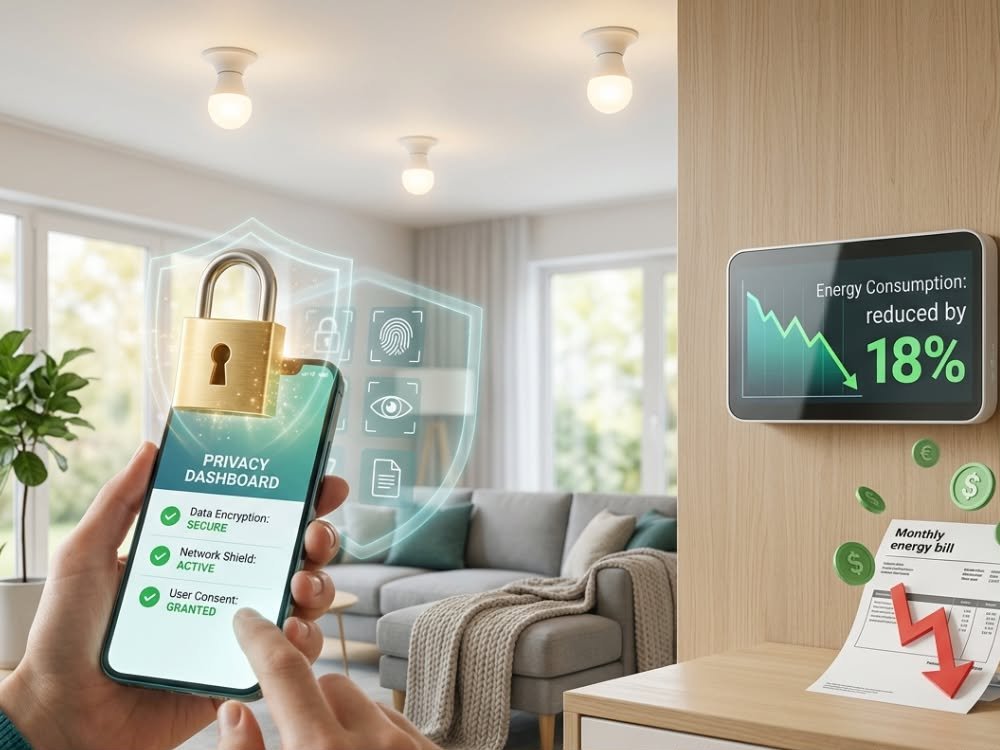
AI home hub technology is quietly reshaping the way we manage security, energy, and comfort at home. But do you know which features actually make a difference for your routines, privacy, or long-term costs? This guide explains the realities—opportunities and pitfalls—of building or upgrading your connected home with AI, drawing on the latest 2024–2025 research and market data.
Key Takeaways
- AI home hubs are moving rapidly from rule-based automation to true routine learning, predictive controls, and multi-protocol integration.
- Smart buying requires watching for hidden subscription costs, privacy tradeoffs, and compatibility limits—especially during the transition to Matter and edge-AI architectures.
- Cross-ecosystem control and robust privacy/security are now realistic expectations; avoid lock-in by focusing on hubs with broad protocol support and hybrid processing models.
The Core Concept: What Is an AI Home Hub and Why Now?
An AI home hub is a centralized device or system that uses artificial intelligence to orchestrate and optimize all your smart home devices: security, lighting, energy, audio, and more. Unlike older “dumb” hubs, the latest AI-enabled versions can learn your patterns over time, act proactively, and work across brands and platforms.
The global smart home hub market is exploding—expected to reach up to $140.74 billion in 2025 with double-digit growth continuing through the next decade. The driving force? Demand for simpler automation, real-time personalization, edge processing, and a way to bridge the messy landscape of Wi-Fi, Zigbee, Z-Wave, Thread, and Matter devices. North America will make up almost 40% of this market, but Asia-Pacific is catching up fast.
Whether you want smarter security, energy savings, or less daily hassle, an AI home hub can shrink tech headaches—if you choose wisely. But as you’ll see, pitfalls like device lock-in, hidden fees, and privacy gotchas remain real concerns in 2025.
Step-by-Step Guide: Setting Up, Integrating, and Optimizing Your AI Home Hub
- Pick an AI Hub with Wide Compatibility—Not Just Your Favorite Brand
Look for hubs that bridge multiple protocols (Matter, Thread, Zigbee, Z-Wave, Wi-Fi) and support integration with Alexa, Google Assistant, and HomeKit. multi-protocol bridge hub are best for mixed legacy setups. Review lists of compatible devices and protocols before you buy, not after.Read our in-depth guide to future-proofing your smart home with an AI home hub for trusted device recommendations.
- Do a Fast Device Inventory and Grouping
List your current and future devices (lights, thermostats, sensors, locks, cameras) along with protocols. Group by area/scene: “Entryway,” “Living,” “Sleep,” “Security.” This will help you avoid headaches during onboarding and scene setup. - Initial Setup: Use Guided App Flows—and Save Your Config
During first-time setup, follow the hub app’s guided wizard step by step; don’t skip firmware updates, as these often unlock important security, privacy, and Matter or edge-AI features. Save or export your config where possible for insurance (and fast recovery if a future update fails). - Focus on Automations That Save Time or Money First
Prioritize automations like schedule-based lighting, geofenced heating/cooling, energy optimizer routines, and AI-powered reminders or safety alerts. Skip “fun only” automations at first to avoid complexity. - Review Privacy and Subscription Settings Before Enabling Cloud or Advanced AI Features
Check what data your hub sends to the cloud, and understand which features require paid subscriptions (ex: video history, advanced routines). Some energy and insurance integrations may reduce your hardware cost—but require sharing extra data. - Test Automation Reliability—Online and Offline
Test key routines with and without internet access (pull the plug or disconnect Wi-Fi!) to see if the AI hub can function locally. edge-AI hubs should offer fast, sub-100ms responses even during outages.Want expert tricks to squeeze more from your setup? Check our AI smart home optimization guide with actionable, real-world steps.
If you want to get started with AI-powered lighting, check out our in-depth Philips Hue Play Light Bar review—it shows practical integration steps with all major ecosystem hubs.
Advanced Analysis & Common Pitfalls: What Market Data and Real Users Reveal
It’s easy to get overwhelmed by marketing claims. Here’s how the reality stacks up, based on 2024–2025 market research and real-world deployment challenges.
Common User Frustrations & Market Gaps
- Fragmented Ecosystems & Compatibility Gaps: Many users expect “it just works” cross-platform control. In reality, some platforms (especially Apple HomeKit and Google Home) still require careful device selection for seamless functionality. The Matter standard improves this, but dual-protocol bridge hubs are still necessary for many homes. Source
- Vendor Lock-In: Bundled services—photo/video storage, music, and cloud backup—can trap users long-term. Migration is often costly, as noted for platform-focused hubs. Bundle discounts from insurers/utilities may also have hidden requirements. Source
- Reliance on Cloud and Unreliable Automations: Legacy hubs often stall or fail when internet access drops. Many cloud-based automations cannot run locally unless you opt for a true edge-AI architecture. Patchy broadband? Go local where you can.
- Subscription & Hidden Fees: Leading AI hubs subsidize hardware to upsell you on advanced AI, history, and multi-user features. Always audit what remains usable on a free/lite plan before investing.
- Security & Privacy: Privacy-centric hubs (like Apple HomeKit/HomePod) trade off some ecosystem flexibility for tighter local data control, but even these require a close read of settings and policy updates. There’s no one-size-fits-all solution for every user.
- Complexity for Renters/Multi-Family/Commercial: The more complex your setup, the harder it is to retrofit or configure for new occupants without starting over. Look for hubs that allow profile migration or easy reset/export functions.
Cloud AI vs. Edge-AI: Head-to-Head Comparison
| Feature | Cloud-Centric Hubs | Edge-AI Hubs |
|---|---|---|
| Latency | Typically 300–800ms; depends on internet speed | Sub-100ms (can work offline for key routines) |
| Privacy | Data transmitted to vendor clouds | Most data processed locally; less chance of leaks |
| Reliability during Internet Outage | Many automations fail or go dormant | Main automations continue; only “heavy” AI moves to cloud |
| Subscription Dependence | High; many features locked behind paid tiers | Medium; paid tiers mostly for cloud AI, history, analytics |
| Personalization Level | Strong, but can be generic and less context-aware | Increasingly personalized to household routines and privacy policy |
Sector-Specific Pitfalls Often Overlooked
- Assisted Living & Healthcare: Demand for fall detection, medication reminders, and vitals is growing—if these fail due to poor integration, the impact can be serious. Growth at 18.8% CAGR shows this is a key target for robust, reliable automation.
- Hospitality & SMBs: Fragmented vendors and lack of integration between HVAC, access, and security remain a challenge. Watch for hubs that claim “total” integration but lack real partnership depth.
Want to explore the real automation gaps? Don’t miss: 7 amazing ways to future-proof your smart home with an AI hub.
Conclusion
The right AI home hub can streamline your routines and make your home actually feel smart. But the best choice isn’t about just picking the latest big brand—it’s about understanding lock-in risks, protocol coverage, and ongoing costs. Always check device compatibility, privacy policies, and the local/cloud AI split before you buy. Stay realistic about tradeoffs—universal automation takes careful setup, but cross-ecosystem control and fast, private AI routines are within reach for nearly every household in 2025.
Ready to take the next step? Grab an AI home hub that matches your household and privacy needs today. For more setup tips and advanced usage hacks, see our AI smart home optimization guide.
FAQ Section
What’s the difference between an AI home hub and a traditional smart home hub?
An AI home hub goes beyond basic “if this, then that” rules. It learns your behaviors, routines, and context to offer predictive, proactive automation—often with conversational voice controls and cross-ecosystem device integration. Traditional hubs are mostly manual or schedule-based.
Will an AI home hub work if my internet connection drops?
If you choose an edge-AI hub, many local automations and voice controls will keep working during outages. Cloud-heavy hubs may lose advanced features or stop responding until connectivity is restored. Always test offline performance before you commit.
Can I avoid monthly subscription fees with my AI home hub?
Basic automation and control are often free, but features like cloud backups, extended video history, or advanced AI routines can require paid plans. Review what’s included at no extra cost versus what’s locked behind a subscription before buying.
Is my data private with an AI home hub?
Edge-AI hubs process more data locally, minimizing what is sent to vendor servers. However, some cloud-based features and bundled services may collect usage data. Check privacy settings and policies before activating cloud AI, and opt for privacy-first hubs if that’s a top concern.
Which AI home hubs have the best device compatibility?
Multi-protocol hubs that support Matter, Thread, Zigbee, and Z-Wave (usually labeled as “bridge” hubs) offer the broadest compatibility, especially during the transition period where legacy and new devices coexist. Many platform hubs (Echo, HomePod, Nest) are also expanding support, but always verify protocol support in advance.