
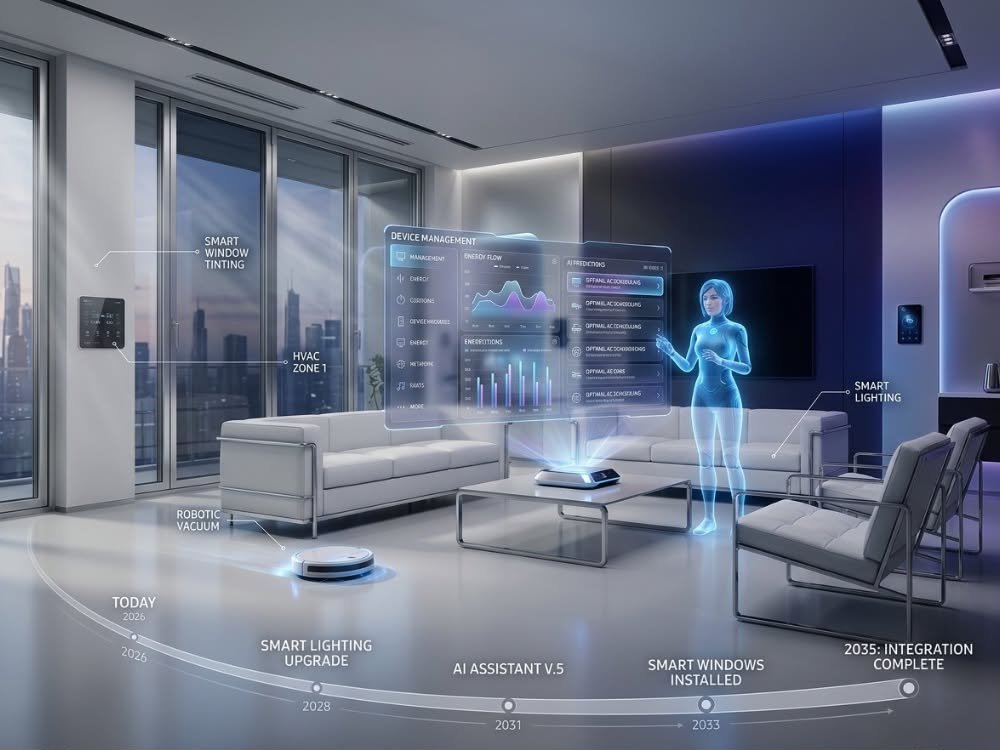
AI home hub technology is rapidly changing how we manage our homes, offering smarter automation, deeper integration, and contextual control—yet also raising new challenges for privacy, complexity, and total cost.
Key Takeaways
- The AI home hub market is expanding quickly, but setup complexity and privacy issues persist for consumers.
- Major brands (Amazon, Google, Apple) lead with ecosystem strengths—as well as different privacy and integration approaches.
- Choosing the right AI home hub means weighing compatibility, setup hurdles, hidden costs, and long-term data security.
- The Core Concept: AI Home Hub Explained
- Step-by-Step Guide: Setting Up Your AI Home Hub
- Advanced Analysis & Common Pitfalls
- Conclusion: Is an AI Home Hub Right for You?
- FAQ: AI Home Hubs in 2025
The Core Concept: AI Home Hub Explained
An AI home hub is the smart nerve center of your connected home. It integrates with hundreds of devices—from outdoor security cameras to smart door locks—and orchestrates them with the help of artificial intelligence and voice assistants. The “AI” part means your hub doesn’t just follow commands; it learns your routines, adjusts settings proactively, anticipates needs, and can even spot potential safety or comfort issues before you do.

This technology sits at the heart of a $140+ billion market in 2025, projected to grow fast as homes add more connected gadgets. Smart home hubs now go way beyond basic automations—leveraging on-device AI for routines, energy optimization, and predictive recommendations, all while integrating security features and bridging different device standards like Matter. Ultimately, choosing the right hub is about more than controlling your lights or TV—it’s the anchor for privacy, security, and future-proof comfort in every room.
Step-by-Step Guide: Setting Up Your AI Home Hub
Getting the most from an AI home hub means more than just plugging in a device. Here are the steps to an efficient, secure, and frustration-free smart home:
- Choose the Right AI Home Hub:Decide between leading brands: Amazon for Alexa integration and cost, Google Nest Hub for contextual AI and energy partner features, or Apple HomePod for privacy. Want robust local processing? Choose a hub with edge-AI—ideal for privacy or unreliable internet.
- Plan Smart Device Placement and Compatibility:Map where you’ll actually use smart gadgets: indoor security cameras in entryways, motion sensor lights in hallways, smart smoke detectors in the kitchen and bedrooms. Confirm they support your hub’s preferred ecosystem to avoid future headaches.
- Connect and Configure Devices:Set up the hub using the official app, joining your WiFi and signing in. Add each device, using guided setup or QR codes. If it supports Matter, device onboarding is usually faster. For non-Matter or brand-locked devices, install bridges or partner apps for full control.
- Create Routines and Automations:Use AI features to build routines: lights that adjust for bedtime, home alarm system arming when you leave, keyless entry locks activating at night. Most major hubs now include routines powered by AI, customizing settings after a few weeks of learning your patterns.
- Optimize for Privacy and Speed:Adjust privacy settings (opt for on-device processing if offered). Customize data sharing, disable unnecessary cloud integrations, and activate multi-factor authentication on your main account. If latency is a problem, connect your hub by ethernet, or choose a model with edge-AI to reduce reliance on the cloud.
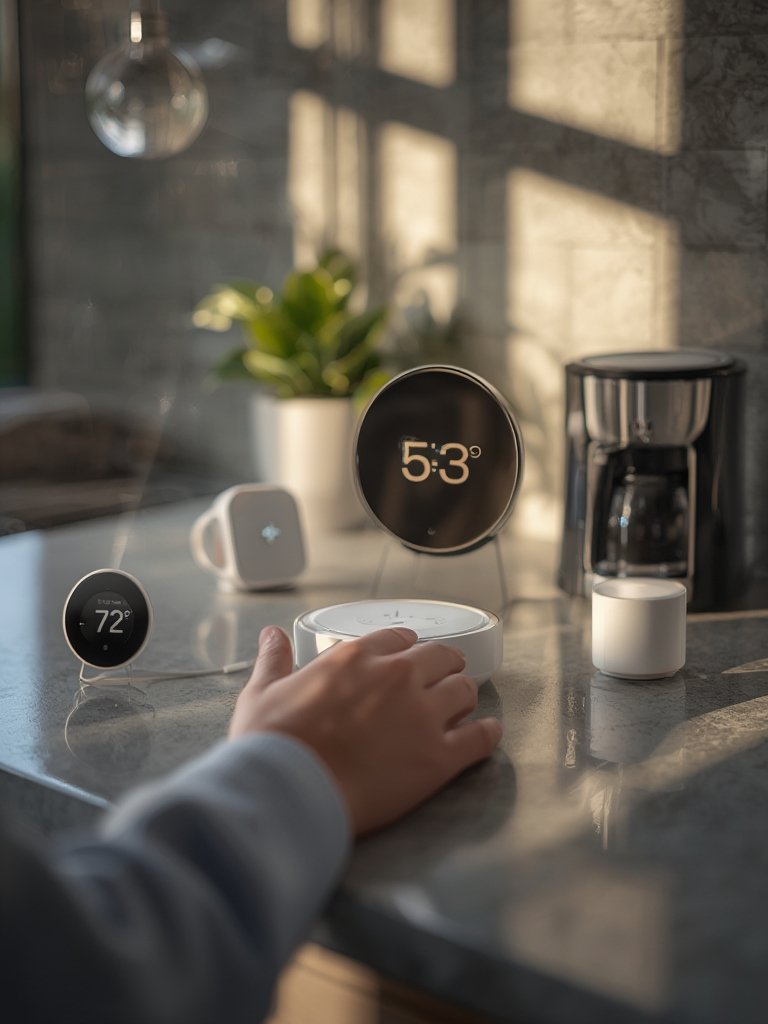
- Maintain and Update:Set reminders to update hub firmware and device software. New AI features and protocol support (especially for Matter) are constantly rolling out.
- Regular Testing and Troubleshooting:Run checks: verify that wireless security cameras are connected, automations still work, and no new devices are failing. If setups get complex, document what’s tied to your hub, especially for multi-protocol bridges.
Advanced Analysis & Common Pitfalls
AI home hubs are powerful, but not foolproof. Here’s what users and research highlight as the most common—and frustrating—pitfalls, with practical strategies to avoid or fix them.
| Issue | Why It Happens | How to Avoid or Fix |
|---|---|---|
| Privacy Concerns | On-device vs. cloud-based processing varies by brand; policy transparency is weak. Some regions have complex compliance statutes (source). | Pick hubs with edge-AI/on-device ML (like Google Nest Hub 2nd Gen), and minimize data sent to the cloud. Periodically audit device permissions. |
| Setup Complexity | Matter is rolling out, but support is inconsistent. Retrofit and multi-family setups are still complex (source). | Limit initial setup to Matter-compatible or native ecosystem devices. Document bridges and use visual labeling for non-native hardware. |
| Hidden Costs | Pricing is opaque (few brands reveal long-term or subscription costs), and some AI features or integrations cost extra (source). | Before purchase, research manufacturer pricing and feature unlock fees. Avoid “feature lock-in” by sticking with open protocols and multi-brand options. |
| Connectivity Issues | Voice assistant latency, Internet drops, or overloaded WiFi can break automations and live monitoring. | Use ethernet or mesh WiFi for the hub. For remote areas, favor hubs with edge-AI processing so basic routines still work offline. |
| Ecosystem Fragmentation | Amazon Alexa, Google Assistant, Apple Siri/HomeKit, and others often don’t “play nicely” with each other. | Prefer standardized platforms (Matter, Zigbee), and when possible, select cross-compatible automations. Consider all-in-one kits for seamless integration—see smart home hub solutions and home security kits. |
Advanced users often overlook testing backup power, setting up role-based access (so guests/kids don’t accidentally break automations), and fully documenting network and bridge topologies. These steps can prevent frustrating “mystery offline” issues in complex homes. For more practical coverage on device selection or integrating wifi security systems and pet camera monitors, explore those guides.

Conclusion: Is an AI Home Hub Right for You?
The latest generation of AI home hub unlocks real automation, smarter security, and a truly connected home—but only if you plan for privacy, complexity, and long-term costs. While Amazon, Google, and Apple continue to lead with robust ecosystems, their approaches (especially around privacy and system openness) differ. Evaluate your must-have features carefully, stay vigilant about new integration standards like Matter, and remember the hidden ownership costs.
If you want the benefits—contextual automation, better energy management, true home awareness—without the hidden headaches, invest time upfront in choosing the right AI home hub and integrating devices methodically. Ready to future-proof your smart home? Start your research today and tailor your system to your real needs.
FAQ: AI Home Hubs in 2025
What’s the difference between a regular smart home hub and an AI home hub?
A regular smart home hub connects and controls devices. An AI home hub adds machine learning to anticipate routines, offer proactive suggestions, and automate tasks—often with voice assistance and personalized recommendations.
Does every device need to support Matter for my system to work?
No, but using Matter-compatible devices makes setup and cross-brand integration much smoother. Older devices may need bridges or additional configuration.
Are AI home hubs safe and private?
Security and privacy depend on your hub and how you configure it. Look for on-device processing (like edge-AI), avoid unnecessary cloud connections, and set strong account security. Apple, for example, is known for privacy-first design; Google and Amazon offer configurable options.
Why is my AI home hub slow or unresponsive?
Common causes include WiFi congestion, outdated firmware, server issues with the cloud, or too many devices on one hub. For low-latency, use ethernet or choose a hub with robust on-device AI.
What hidden costs should I expect with AI home hubs?
Watch for required subscriptions, upgrade fees for advanced AI features, or proprietary device lock-in. Always check manufacturer pricing pages and consider the total cost of device ecosystems, not just the upfront hub price.
—