
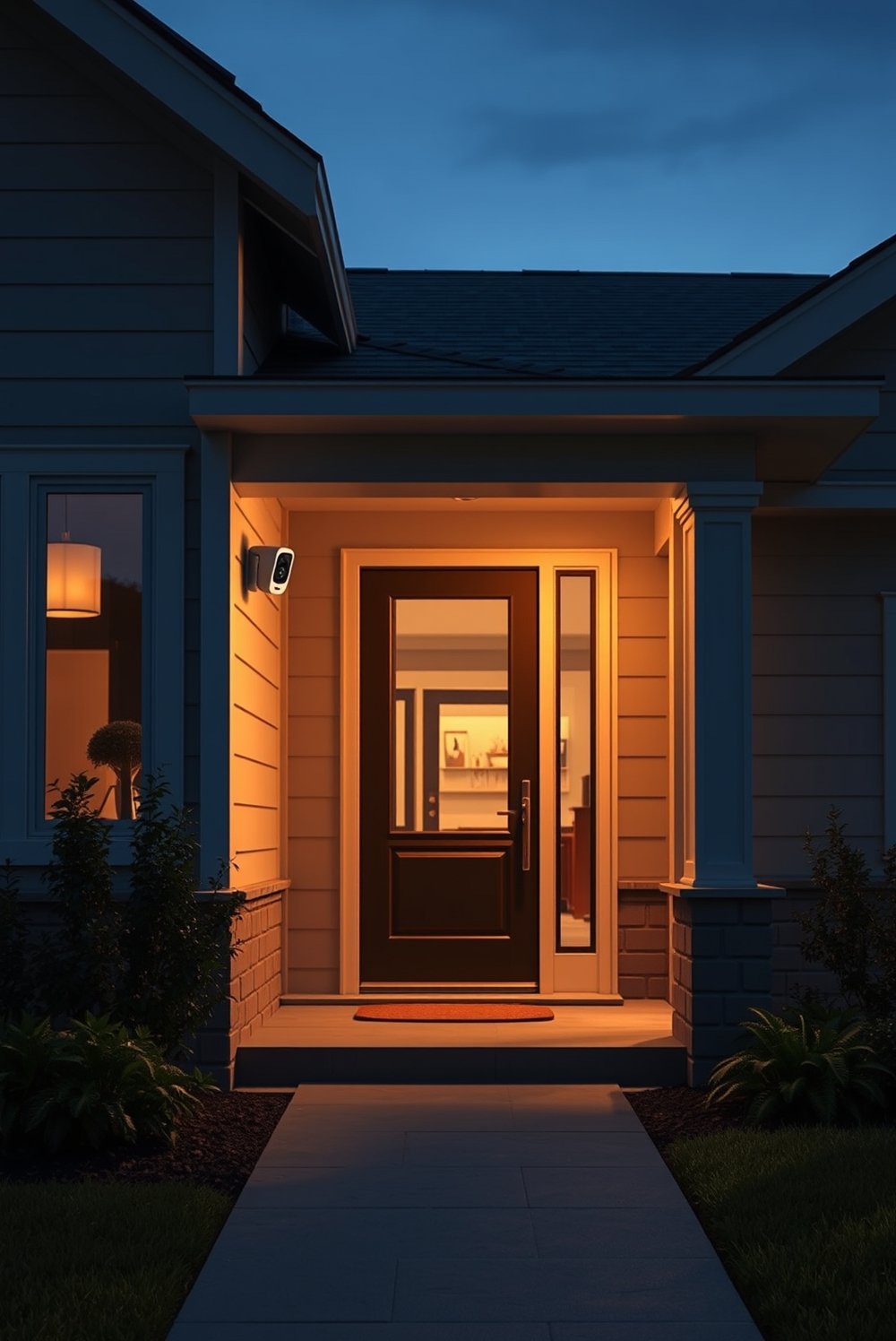
AI home hub technology is rapidly evolving, powering the next generation of smart homes with integrated AI, real-time automation, and broader compatibility. Whether you want effortless voice control, seamless device integration, or tighter privacy controls, understanding the latest AI home hubs is essential for making smart decisions in 2025.
Key Takeaways
- The AI home hub market is growing over 20% yearly, with leading brands racing to offer more natural voice commands and robust cross-brand compatibility.
- Matter and Thread standards are now essential for any future-proof hub, but legacy device support and privacy remain pain points.
- Hybrid AI—the combination of local and cloud processing—is changing how smart homes function, balancing security, speed, and advanced automations.
- 1. The Core Concept: What Is an AI Home Hub and Why Does It Matter?
- 2. Step-by-Step Guide: Setting Up and Optimizing Your AI Home Hub
- 3. Advanced Analysis & Common Pitfalls with AI Home Hubs
- 4. Conclusion
- 5. Frequently Asked Questions
The Core Concept: What Is an AI Home Hub and Why Does It Matter?
An AI home hub is the brain of a smart home, connecting and controlling a wide range of devices using artificial intelligence for automation, voice interaction, and learning user habits. Unlike basic hubs, today’s AI models (like Alexa+ and Google Gemini) use generative AI overlays to understand context, predict routines, and automate everything from lighting to energy use—with voice latency often below 100ms thanks to edge-AI silicon.

The 2024–2025 market sees enormous growth. AI in smart homes is projected to reach $18.75 billion in 2025, expanding over 20% yearly (source). Leaders like Amazon and Google account for nearly half the sector’s revenue, offering integration with huge ecosystems and open standards to prevent proprietary lock-in (source).
These hubs promise plug-and-play onboarding in 2025, even for legacy Zigbee or Z-Wave devices, thanks to Thread router upgrades and Matter 1.3 which adds automation scenes, energy metering, and multi-protocol “bridge” nodes.
In short, if you want a smarter, more resilient and future-ready home in 2025, an AI home hub is the centerpiece—just be aware of current compatibility, privacy, and integration challenges as you choose.
Step-by-Step Guide: Setting Up and Optimizing Your AI Home Hub
Ready to upgrade your home? Here are the actionable steps to deploy and optimize an AI home hub for 2025 and beyond:
- Choose your ecosystem: Decide between top AI home hubs like Amazon Alexa+, Google Nest with Gemini, or Apple HomePod. Compare integration, privacy measures, pricing tiers, and ease of use. Note that Apple leads for privacy and premium integration, as shown by their Q2 2025 revenue data (source).
- Position for WiFi and Matter/Thread mesh: Place your hub centrally to maximize wireless coverage and direct line-of-sight for primary devices. If possible, use Ethernet for core network reliability—especially in large homes.
- Connect core devices first: Start with high-traffic lights, thermostats, cameras, plugs. Ensure Matter/Thread onboarding for seamless pairing. Add bridges for Zigbee/Z-Wave if you have legacy hardware.
- Automate routines with AI: Use built-in AI features for context-aware automation. For example: “Goodnight” scenes that adjust lighting and lock doors, or energy-saving routines that learn your patterns and adjust settings automatically.
- Refine privacy and security: Activate privacy guards offered by your hub, such as disabling cloud data for sensitive automations, restricting third-party data sharing, and running critical automations locally with hybrid AI.
- Expand with subscriptions or skills as needed: Add Alexa skills or Google routines only when you have devices that need special features. Be wary of unnecessary upsells—most automation can be done for free.
- Monitor performance and update firmware: Regularly check for software updates, and opt-in to beta programs if you want access to advanced features (like under-100ms voice response).
Want smarter parenting as well? See how a electric stroller 2026 or a 360 rotating car seat can boost family safety and convenience with built-in AI features.
Advanced Analysis & Common Pitfalls with AI Home Hubs
Despite the technological leaps, AI home hubs present several real-world challenges not always covered by product guides. Here’s what to expect:
- Device compatibility may still be frustrating: Even if Matter promises “universal” integration, edge cases remain. Some older Zigbee or Z-Wave gadgets require bridge nodes, and there is no guarantee every advanced device will auto-onboard in 2025.
- Privacy is better, not perfect: Apple’s integrated privacy and hybrid AI models offer hope, yet local/cloud processing balance is tricky. Sensitive automations can still leak data if not configured cautiously (source).
- Pricing is less transparent than it looks: The “true” cost is often higher once you add premium hardware, bridges, or subscription skills. Amazon leads with affordable Echo hardware, but advanced features may require upsells; Apple’s ecosystem is premium-priced (source).
- No all-in-one guide for 2025 model upgrades: Many competitor articles do not address router-level Thread upgrades, generative AI automation impacts, or nuances of hybrid AI deployment. Early adopters must dig for these details to plan upgrades and retrofits effectively.
| Feature | 2024–2025 Top AI Hubs | Common Challenges | Practical Fixes |
|---|---|---|---|
| Matter & Thread Support | Included in Amazon, Google, Apple | Legacy Zigbee/Z-Wave require bridge | Add bridges or dual-protocol hubs |
| Automation & Voice AI | Generative AI, <100ms response | Learning curve, cloud dependency | Use routines; configure hybrid AI |
| Cross-Brand Ecosystems | 45%+ revenue share (platforms) | Proprietary accessories, lock-in | Favor Matter & open standards |
| Privacy & Security | Hybrid local/cloud, privacy-first (Apple) | Potential cloud data leakage | Local automations; review permissions |
| Pricing & Subscriptions | Low-cost Echo/ Premium HomePod |
Hidden upsell or tiered features | Start with free tier, add only as needed |
As with any fast-moving tech, stay informed. Energy independence with an EV as backup power or extended range electric vehicle is now a strong use case that integrates with smart home hubs.

Conclusion
A smart home built around the latest AI home hub can be automated, future-proof, and personalized—but only if you prioritize compatibility, use open standards, and monitor privacy settings. With the right setup, your home can anticipate your needs, cut energy waste, and stay up-to-date as new AI features arrive.
Start now by comparing leading hubs, ensuring Matter/Thread support, and leveraging robust, native automations. Want to maximize comfort? Explore specific family tech picks like the innovative Cradlewise smart crib or the reliable Momcozy wearable breast pump 2026.
Don’t wait—future-proof your living space today with an AI home hub that evolves with your life!
Frequently Asked Questions
What is an AI home hub?
An AI home hub is a central device that connects, automates, and manages smart home products using artificial intelligence. It enables natural voice commands, context-based routines, and supports multi-brand ecosystems.
Is Matter support essential for AI home hubs in 2025?
Yes. Matter is becoming the default standard for smart home interoperability, making setup easier and future-proofing your investment. Without it, connecting new devices will be much harder.
How much should I expect to spend on a top AI home hub?
Basic models like Amazon Echo start around $50, while premium Apple HomePod or Google Nest hubs can exceed $200. Advanced features may require additional accessory or skill subscriptions.
How private are AI home hubs?
Modern hubs have improved privacy controls, especially those using hybrid AI. Local automations are safer. Still, always check your privacy settings, especially for cloud-integrated features.
Can I integrate legacy Zigbee or Z-Wave devices?
Yes, but you may need a “bridge” node or a dual-protocol hub. Matter and Thread support most new devices, but older gadgets might need special adapters.
—