

AI home hub technology is transforming how we interact with and control our living spaces—making everything from lighting to security smarter, faster, and more efficient.
Key Takeaways
- AI home hubs offer true automation and centralized control of modern smart homes, but come with real privacy and security risks.
- Proper device setup, privacy settings review, and routine audits are essential for safe and smooth operation.
- Transparency, compatibility, and user control vary significantly between brands, so research and hands-on checks are crucial before buying.
- The Core Concept: What Is an AI Home Hub and Why Does It Matter?
- Step-by-Step Guide: Setting Up and Optimizing Your AI Home Hub
- Advanced Analysis & Common Pitfalls
- Conclusion
- FAQ
The Core Concept: What Is an AI Home Hub and Why Does It Matter?
An AI home hub is the brain of your smart home. It acts as a central controller that uses artificial intelligence to automate, coordinate, and simplify every compatible device in your home, from smart thermostats and robot vacuums to doorbells and lights. With AI, these hubs move beyond simple routines—you get adaptive behaviors that respond intelligently to your lifestyle, preferences, and even your voice.
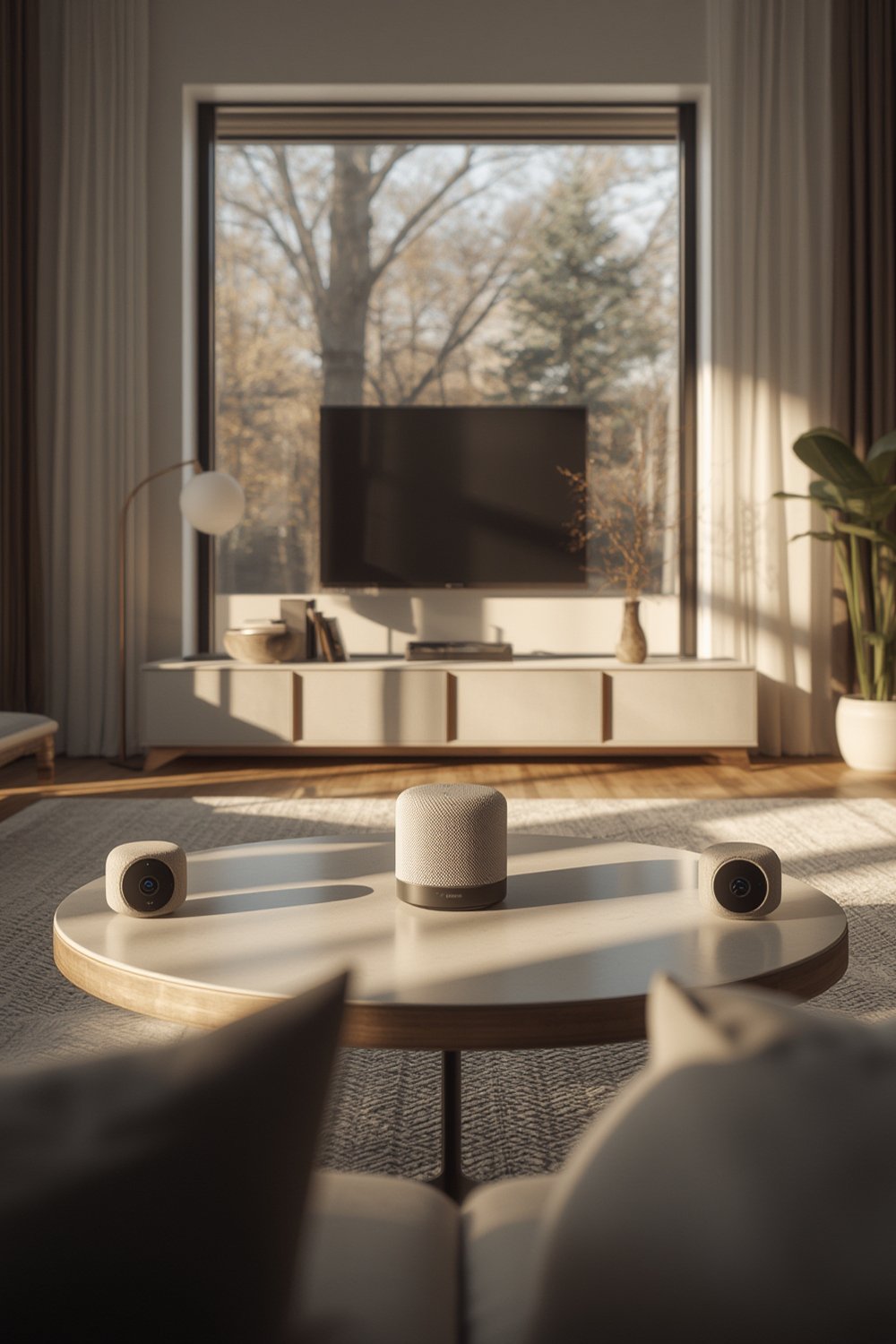
But the appeal goes further. Instead of siloed smart gadgets, an AI home hub pulls security feeds, thermostats, lighting, and entertainment into one seamless dashboard. In 2026, top models—like Amazon Echo, Google Nest Hub, and Apple HomeKit hubs—support new standards like Matter for broader compatibility across brands.
Choosing an AI home hub means less app-juggling, personalized automations (think lights dimming as you watch TV), and sometimes, proactive energy or cost savings. For example, pairing your hub with a smart thermostat can cut bills by auto-adjusting for comfort and efficiency.
Step-by-Step Guide: Setting Up and Optimizing Your AI Home Hub
Ready to tap into true home automation? Here’s how to set up, secure, and get the most from your AI home hub:
- Choose your hub wisely: Compare leading models for Matter/Zigbee/Z-Wave compatibility, voice assistant support, and local vs. cloud processing. (Check integration with favorites like robot vacuums, lights, and security.)
- Network essentials: Use a stable, fast WiFi connection. For larger homes, consider a mesh network to keep every device reliably online.
- Link your devices: Add each device to the hub via its companion app—common supported categories include smart doorbells, bulbs, pet cameras, and more.
- Create basic automations: Start with simple routines (e.g., turning on porch lights at sunset) and gradually add complexity.
- Set up voice control: Train your AI assistant with your voice and configure speaker/microphone privacy options to your comfort level.
- Deep dive into privacy & security: Immediately after first setup, review default sharing settings, encryption options, and app permissions. Disable anything you don’t need.
- Audit and expand: Regularly check for firmware updates, new available integrations, and review your automations for improvements.
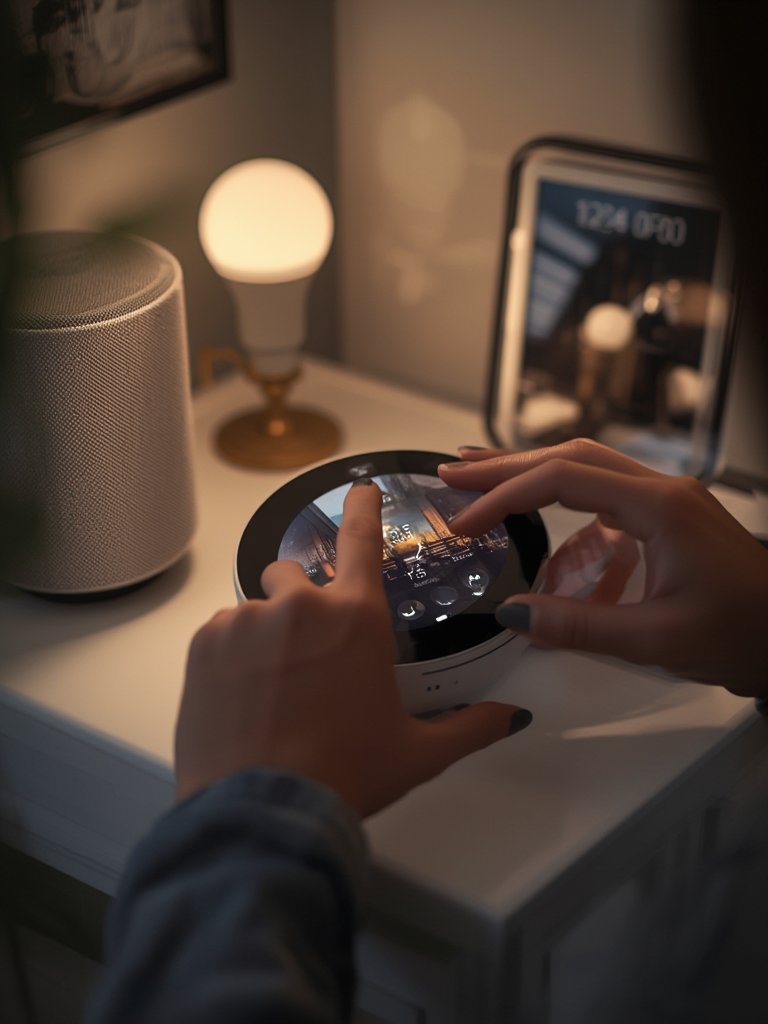
As you build out your smart home, use your hub’s dashboard to identify and fix any “unresponsive” devices quickly and keep integrations tidy. Many advanced AI home hubs also support advanced routines—like motion-triggered lighting or location-based notifications—to truly personalize your automation experience.
For creative ways to automate even more, consider integrating your hub with a smart bulbs for customizable lighting moods or a smart pet feeder to handle feeding schedules on autopilot.
Advanced Analysis & Common Pitfalls
AI home hubs are powerful, but real-world use reveals significant challenges and downsides, especially around privacy, security, and compatibility. Smart homes are only as secure as their weakest link, and data from multiple sources underscores these common issues:
- Data inference and profiling: AI home hubs aggregate data from thermostats, cameras, and voice assistants to infer intimate details—such as your habits and even health data—often without clear user awareness. See this detailed privacy analysis.
- Lack of transparency: Manufacturers rarely explain how AI makes decisions, leaving users in the dark about algorithmic logic, especially with opaque proprietary software.
- Fragmented accountability: Is your data leak the fault of the hub maker, device brand, or app developer? The answer is rarely clear-cut, increasing the risk of liability gaps.
-
Poorly documented security: Encryption and advanced privacy features are often hidden in apps and hard to activate.
Watch a breakdown of hidden security controls. - Overlapping permissions: Many devices automatically sync across ecosystems, stacking up permissions with every new integration. Frequent audits of your permissions are essential to regain control.
| AI Home Hub Feature | Best-case Scenario | Potential Pitfall |
|---|---|---|
| Matter/Zigbee/Z-Wave Compatibility | Connect virtually any smart device across brands | Partial integration or firmware bugs create “dead zones” |
| Privacy Controls | User transparency & opt-outs for every device/app | Settings hidden several menus deep—few ever adjust defaults |
| Routine Customization | Granular scene triggers based on motion, location, or voice | Complex automations may break or duplicate processes |
| Security & Updates | Automatic updates fix vulnerabilities quickly | Delayed updates or unsupported third-party devices widen risk |
For best results, perform regular privacy audits and read up on each device’s practices. The more unified your brands/platforms, the smoother your experience—but don’t assume all devices labeled “compatible” will function identically or securely.
Give special attention to devices that record audio or video. For security-sensitive spaces, consider disconnecting from the cloud or only enabling features locally. Want to see the impact of smart security? Check our deep-dive on smart doorbells for practical tips.

Conclusion
The rise of the AI home hub marks a new era in smart home convenience and efficiency, but real power comes with responsibility. Take time to research compatibility, prioritize devices that support transparent privacy options, and routinely audit your networks and automations. By following the steps above, you’ll unlock the full potential of home automation—while keeping control in your hands.
Ready to build your smartest, most secure home yet? Start by picking your AI home hub, follow expert setup tips, and dive deeper into automation with our trusted reviews and guides on everything from robot vacuums to immersive smart lighting. Your ideal setup is just a few steps away—optimize your smart home today!
FAQ
What is the main function of an AI home hub?
An AI home hub connects and automates all your compatible smart devices—such as thermostats, lights, cameras, and more—allowing you control from one interface, often with AI-driven routines and voice commands.
Are AI home hubs secure against hackers?
Security varies by brand and your settings. Always update firmware and disable unnecessary data sharing. Encryption settings can be hidden, so review documentation or use hubs that prioritize transparent privacy features (detailed analysis).
Is it hard to add new devices to my AI home hub?
Most modern hubs make connecting new devices nearly automatic—especially with Matter compatibility—but complex automations can occasionally “break,” so check for device-specific guidance or firmware updates if you hit trouble.
How do I protect my privacy with an AI home hub?
Immediately after setup, check for default sharing, usage analytics, and third-party integrations. Disable anything you don’t use, and ensure only essential permissions are enabled. Privacy settings are often buried, so explore every menu.
Can I control energy use with my AI home hub?
Absolutely! Many hubs work with smart thermostats and smart bulbs to auto-adjust for efficiency. Check out our energy-saving thermostat guide for actionable tips.